

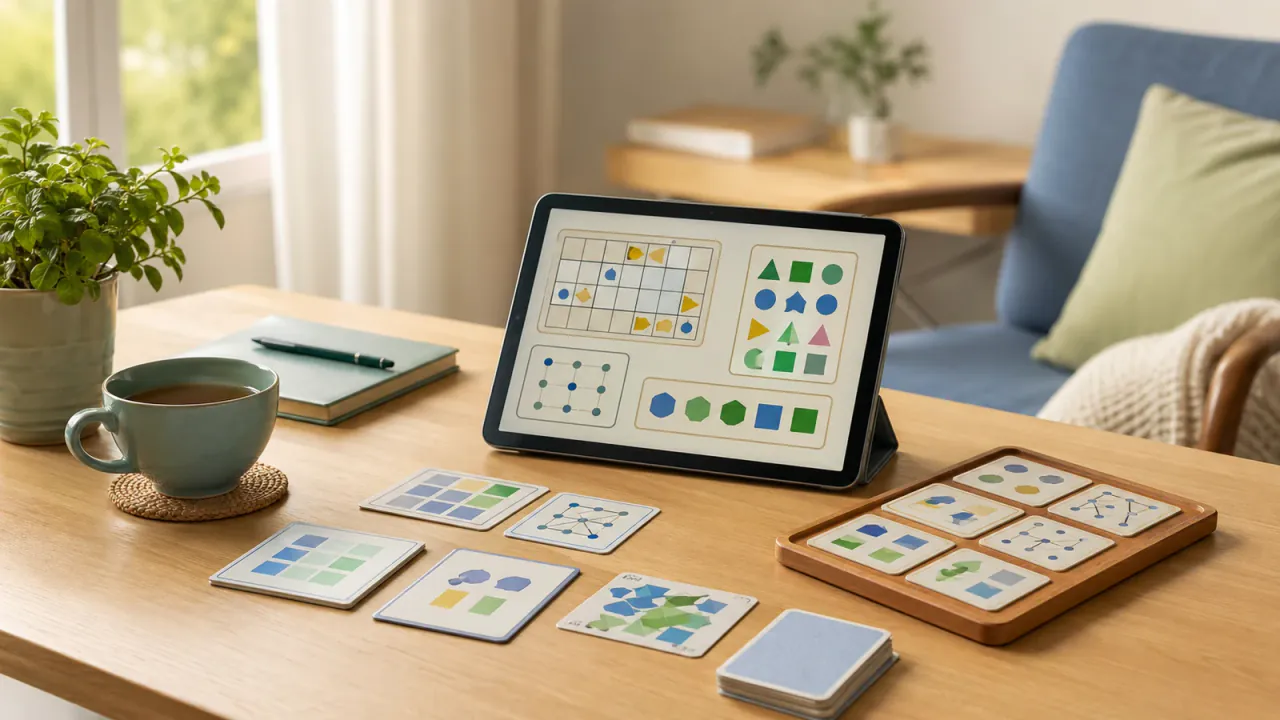
Complete guide to brain training for seniors (2026)
Brain training for seniors works best when it is comfortable, readable, and regular. Too many offers promise fast results, while the real challenge is elsewhere: choosing suitable formats, keeping a sustainable pace, and avoiding interface overload. This guide gives you a practical and cautious framework.
Quick answer: how to organize an effective daily brain training routine for seniors?
Start with readable games and no excessive pressure, in 10 to 15 minute sessions. Keep to two game families per week at most, then gradually adjust difficulty and duration based on real comfort.
The right indicator is not a record score, but continuity of practice. To start simply, you can alternate senior reflection games, untimed logic, and memory games.
Key points before getting started
- Comfort first: readability, short instructions, stable interface.
- Short pace: 10 to 15 minutes is enough in most cases.
- Gentle progression: one parameter at a time (duration, level, format).
- Controlled variety: 2 game families at first, no more.
- Cautious framework: entertainment games, no medical promise.
What changes for senior use
The main need is not maximum complexity. It is the balance between stimulation, visual comfort, and enjoyment. An interface that is too dense, an aggressive timer, or long instructions can discourage people, even with good content.
Public health recommendations on cognitive aging emphasize a global approach: physical activity, management of health factors, mental stimulation, and social engagement. Games can fit into this framework, but they are not a substitute on their own.
Comparison table: game formats suited to seniors
| Game family | Main demand | Recommended duration | Pressure level | Kognify resources |
|---|---|---|---|---|
| Untimed logic | Structured deduction | 10-20 min | Low | Untimed logic games |
| Visual memory | Item recall | 8-15 min | Low to moderate | Visual memory test |
| Word games | Vocabulary and associations | 10-20 min | Low | Word games, Crosswords/anagrams |
| Gentle attention | Focus on a simple task | 5-12 min | Low to moderate | Attention test, Visual attention |
| Progressive puzzles | Rule reading and strategy | 12-25 min | Moderate | Logic puzzle guide |
Choose the right format based on the senior profile
"Digital restart" profile
Start with games that have very short instructions and few simultaneous elements. The goal is to rebuild confidence in navigation.
"Word game regular" profile
Verbal formats are an excellent entry point, then you can add a touch of visual logic for variety.
"Logic-first" profile
Lean toward untimed puzzles with gradual progression, and regular difficulty checks.
"Family use" profile
Prioritize games that are understandable in seconds and easy to share, to keep a positive dynamic.
4-week routine: simple, gentle, sustainable
Week 1: setup
4 sessions of 10 minutes, no timer. One main format only.
Week 2: stabilization
Same format, slight increase in difficulty or duration (not both).
Week 3: controlled variety
Add a second format for 1 to 2 weekly sessions.
Week 4: review
Evaluate comfort, consistency, and enjoyment, then adjust one parameter.
Start a session from the Games page, then use this 4-week plan as your guide.
Accessibility: priority checklist
- Text size: comfortable reading without constant zoom.
- Contrast: clear differences between background and interactive elements.
- Touch targets: large enough buttons, fewer tap errors.
- Instructions: short sentences, direct wording, visual examples.
- Time pressure: ability to play without a timer.
- Error feedback: clear feedback without unnecessary stress.
An accessible interface improves the experience as much as game choice. If readability is poor, motivation drops quickly.
Common mistakes to avoid
- Too many new things at once: constant exploration prevents routine.
- Sessions that are too long: quick fatigue and gradual drop-off.
- Difficulty increased too fast: frustration and lower adherence.
- Comparing with others: motivation drops if the goal becomes external.
- Medical interpretation of scores: confusion about the intended use.
Social dimension: playing alone, in pairs, or with family
Consistency is often better when gaming is tied to a social moment: a light family challenge, a shared weekly session, or simply exchanging progress updates.
Recent work on social isolation and cognitive decline highlights the value of maintaining relationships and activities. Without turning games into therapy, adding a social dimension can support long-term engagement.
Detailed 8-week program (comfort level)
If you want a longer framework than one month, this 8-week plan follows the same philosophy: comfort, readability, and gradual progression.
Weeks 1-2: foundations
4 sessions per week, 10 minutes each. One main format, no timer. The goal is to install the habit.
Weeks 3-4: stabilization
Keep the main format and add a second family once per week. Possible duration: 12 to 15 minutes.
Weeks 5-6: gentle variation
Alternate two families across the week (for example logic + visual memory). Keep a moderate difficulty.
Weeks 7-8: consolidation
Adjust only one parameter (duration or level). The aim is to finish the cycle with a rhythm you can keep for another 8 weeks.
If fatigue rises, return immediately to the previous phase format. In a senior pathway, consistency stays more important than difficulty.
Pathways by senior objective
Goal: "stay mentally active with enjoyment"
Choose games that provide quick positive feedback and moderate difficulty. Word games and simple puzzles are a good fit.
Goal: "regain confidence with digital tools"
Favor an interface with few menus, visible buttons, and short instructions. You can repeat the same formats to build digital fluency.
Goal: "shared routine as a couple or family"
Prefer formats that are easy to explain and replay in turns. Shared experience matters as much as performance.
Goal: "preserve concentration comfort"
Use short, calm sessions without time pressure. Limit notifications and choose a stable schedule.
Weekly checklist (5 minutes)
This mini review helps maintain useful practice without discouragement.
- Frequency: did I complete at least 3 sessions this week?
- Comfort: did I finish without excessive fatigue?
- Readability: did the interface stay clear?
- Enjoyment: did I want to play again?
- Adjustment: should I change one parameter (and only one)?
If two answers or more are negative, simplify the next week: lower difficulty or shorten duration.
Mobile/tablet ergonomics: practical recommendations
Size and contrast
Text that is too small turns a simple game into a tiring experience. Check readability at natural viewing distance, without repeated zoom effort.
Gestures and touch targets
Buttons should be spaced out and easy to tap. Repeated tap errors increase frustration, especially on small screens.
Visual pacing
Avoid interfaces that are too animated or cluttered. A calm interface improves concentration and reduces urgency.
Audio and feedback
Optional and non-aggressive sound feedback can help some profiles. What matters is being able to disable it easily.
Examples of senior game combinations
Combo 1: calm logic + visual memory
Ideal for a balanced routine. Example: 8 minutes of untimed logic, then 6 minutes of visual memory.
Combo 2: word games + visual attention
Works well for profiles that enjoy verbal play but want to keep some visual stimulation.
Combo 3: progressive puzzle + active break
After a more demanding puzzle, add a short active break (walk, stretch) before returning to a lighter format.
These combinations are not prescriptions. They are practical templates to structure comfortable sessions.
Senior pre-mortem: 3 risks to anticipate
Risk 1: instruction overload. You spend more time understanding the interface than playing.
Action: reduce the number of formats and choose stable rules for 2 weeks.
Risk 2: performance pressure. Score becomes stressful and motivation drops.
Action: hide external comparisons and track only consistency and comfort.
Risk 3: cumulative fatigue. Sessions are too long, with dropout after 10-15 days.
Action: return to 10 minutes and plan days without sessions.
Improvement 1: anchor sessions to a ritual (after breakfast, before a walk, etc.).
Improvement 2: keep one "guaranteed-enjoyment" format in reserve for low-energy days.
Concrete use cases
Case A: independent senior, used to tablets
Can increase difficulty slightly every two weeks. Stay attentive to readability and eye fatigue.
Case B: beginner senior in digital use
Keep one interface and very short sessions. The main gain is confidence in use.
Case C: senior in a family routine
Set a shared fixed slot. Social engagement supports continuity.
Case D: senior with high energy variability
Prepare two session versions: "short" (5-8 min) and "standard" (10-15 min). Choose based on the day.
How to decide if the routine works?
Ask yourself three questions after 4 weeks:
- Did I keep the pace without forcing myself?
- Is usage comfort good most of the time?
- Do I want to continue next month?
If answers are positive, continue with a slight increase in difficulty. Otherwise, simplify the routine instead of dropping it.
Typical senior week: ready-to-use example
| Day | Main format | Duration | Intent |
|---|---|---|---|
| Monday | Untimed logic | 12 min | Start the week gently |
| Tuesday | Word games | 10 min | Light verbal variation |
| Wednesday | Rest or short session | 5-8 min | Avoid cumulative fatigue |
| Thursday | Visual memory | 12 min | Calm recall work |
| Friday | Preferred format | 10 min | Finish with a motivating game |
| Weekend | Optional family session | 10-15 min | Social dimension |
Tips for caregivers and relatives
If you support a senior, your role is mainly to make the setup easier, not to "correct performance."
- Prepare the environment: good lighting, stable screen, reduced noise.
- Help with setup: open the app or page, then leave room for autonomous play.
- Value consistency: praise continuity rather than raw score.
- Respect pace: stop at the first signs of fatigue.
- Avoid comparison: each profile has its own adaptation tempo.
Mini ritual before each session (2 minutes)
A short ritual often improves session quality:
- Check posture and lighting.
- Choose a simple objective ("I complete one grid").
- Remember there is no performance emergency.
- Start with a familiar format first.
This ritual reduces initial apprehension and makes it easier to get into play.
Over time, this small framework becomes automatic. It is often this stability that helps maintain active practice over several months, even when daily energy varies.
If needed, also plan a "very short" 5-minute version for busy days. Keeping contact with the routine is more useful than skipping the session completely.
This flexibility protects motivation over the long term.
Verifiable external references
- NIA - Cognitive Health and Older Adults: general references on cognitive health in older adults.
- WHO Guidelines (2019): recommendations for reducing the risk of cognitive decline.
- CDC BRFSS Cognitive Decline Module: population-level measure of self-reported cognitive decline.
- Lancet Commission 2024 (PubMed): synthesis on dementia prevention/intervention.
- Longitudinal study 2025 (PubMed): link between social isolation and cognitive performance.
This guide covers entertainment games and playful routines. It does not replace a consultation or a clinical assessment.
Kognify resources to extend a senior routine
FAQ: brain training for seniors
What type of brain training works best for seniors?
Readable and progressive formats, without interface overload, are usually the most comfortable to start with.
How long should a session last?
In practice, 10 to 15 minutes is enough. Weekly consistency matters more than raw duration.
Should a timer be avoided completely?
Starting without a timer is often more comfortable. Tempo can be reintroduced later, gradually.
Does senior brain training replace medical advice?
No. These games remain a leisure activity and a playful self-check, not a diagnostic tool.
How can motivation be maintained?
Short sessions, suitable levels, light variety, and if possible a regular social dimension.
Which accessibility criteria are priorities?
Contrast, readability, button size, short instructions, and a no-time-pressure mode.
What to do after this guide?
Continue with senior-focused articles, then expand toward memory, logic, and apps according to your preferences.
Conclusion: comfort + consistency = best senior strategy
For senior use, the best strategy is not to multiply complex games, but to build a pleasant and stable routine. Short sessions, clear rules, and gentle progression are enough to keep good long-term engagement.
Start your next session on Kognify Games, then come back here to adjust your routine week after week.